Let shoppers look closer without leaving the page. A swipeable gallery with hover zoom, price and savings, size and color chips, a low-stock meter, add to cart or buy now, wishlist, copy-link, description and details tabs — and arrows to flip to the next product. Six popup styles, seven trigger layouts.
−23%


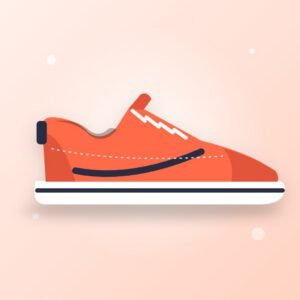
Hover a card and a Quick View button slides up over the photo. The popup opens with a photo gallery you can swipe or zoom, size chips that grey out what is sold out, a “Buy now” shortcut and a “only 20 left” meter. Use the arrows (or ← →) to move to the next product without closing it.


−24%
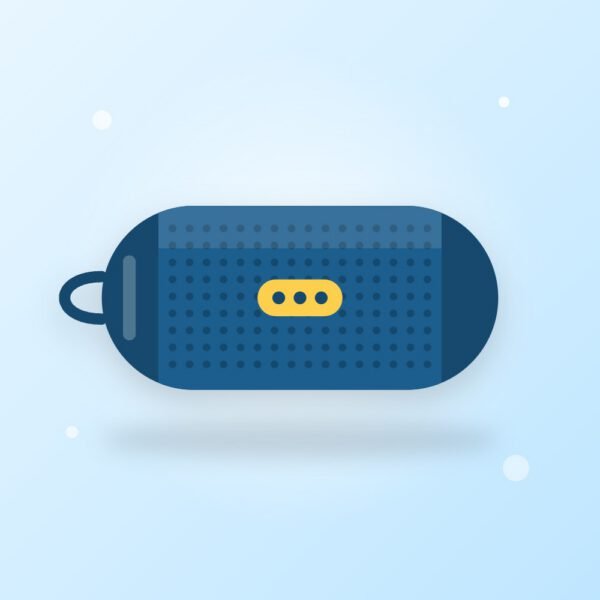
A mood board of the setup, with a numbered pin on each product. Hover a pin for the name and price, click it and the product slides in from the right — or pick from the strip underneath.


Round product bubbles like social stories. Tap one and a bottom sheet rises with the product — drag the handle down to dismiss it, just like an app.
An editorial tile wall where the whole photo is the button. The details open full screen with thumbnails at the side and a 3D flip — perfect for premium, photo-led products.
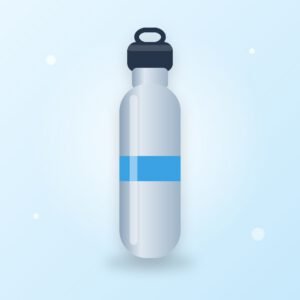
Under a review or a buying guide, list the products you mention. The compact card popup keeps it light — photo, price, quantity and add to cart — so readers can buy and carry on reading.
For stores where every card should open the preview: the whole card is one big button with a small “Quick View” tag on hover. This one slides in from the left with the photo gallery on top.

−24%
Drop a single Quick View button anywhere — a hero, a blog post, a comparison — and pick its look and its popup separately.
Gradient button with a light sweep, zoom-in window.
Outline button, bottom sheet with size chips.
A quiet text link that opens a compact card.
Dark button with a shine, dark popup theme.
Soft tinted button, drawer from the right.
Just an eye icon, full-screen details.
The same lookbook with price-tag pins instead of numbers, and no strip underneath — a clean, magazine-style layout.


201 premium elements, Product Quick View included.